Virtual Services
Main Content
Virtual Care
Virtual care has become an accepted additional way to deliver care to patients efficiently and effectively. Virtual care allows patients to receive care remotely from a convenient location of their choice.
We do our best to make sure that any information you give to us during virtual care visits is private and secure, but no electronic communications tools (such as audio, video, email, text) are ever completely secure. There is an increased security risk that your health information may be intercepted or disclosed to third parties when using such electronic communications tools. To help us keep your information safe and secure, you can:
• Understand that electronic communications (such as audio, video, email, text) you receive are not secure in the same way as a private appointment in an exam room.
• Use a private computer/device (i.e., not an employer’s or third party’s computer/device), secure accounts, and a secure internet connection. For example, using a personal and encrypted email account is more secure than an unencrypted email account, and your access to the Internet on your home network will generally be more secure than an open guest Wi-Fi connection.
You should also understand that virtual care is not a substitute for in-person communication or clinical examinations, where appropriate, or for going to an Emergency Department when needed (including for any urgent care that may be required).
If you are concerned about using electronic communications for virtual care, you can ask our office to attempt to arrange a potential alternative. However, please note that during the COVID-19 pandemic visiting a health care provider in person comes with a higher risk of coming into contact with COVID-19 and the possibility of spreading the virus.
By providing your information, you agree to let us collect, use, or disclose your personal health information through video, audio, email, or text communications (while following applicable privacy laws) to provide you with care. In particular, the following means of electronic communication may be used : audio, video , email, text, etc.
Which patient can benefit from virtual care:
VIRTUAL CARE IS JUST CARE , we use virtual care tools to avoid unnecessary trips to the office, manage chronic disease, or manage illness that may not require a physical exam.
What types of appointments can be seen virtually?
Some common examples include:
-
Follow-up on lab or imaging results
-
Screening and triaging of new patients or old patients who are worried or concerned about certain issues.
-
Chronic conditions follow up visits.
-
Medication renewals.
-
Health education.
-
Counselling and family meetings
What happened after VIRTUAL CARE VISIT:
-
Self care: update treatment care plan as we do in any office visit, then arrange for next follow up visit.
-
In-office visit: ask the patient to come to the office to perform needed physical exam.
-
Screening/testing facilities: send the patient to do more investigations just words.
-
Acute care facility (ER): send the patient to ER for urgent treatment when required.
• We use the virtual care visit to direct patients quickly to:
Types of virtual Care:
-
Direct-to-patient phone visits via regular phones.
-
Direct-to-patient video visits via OTNinvite: OTN Direct-to-Patient Video Visits (eVisits) (through OTNinvite) . We Connect securely with the patients via video, to a local health care centre near the patient, or direct to the patient’s device.
-
Messaging & emails (Medeo, Ocean): We use Medeo which is an integrated digital health patient engagement tool available as a mobile app or web-based tool. Medeo enables patients to use their mobile devices to securely message their provider, attend virtual calls, and book appointments with their providers.
-
eConsult Patients & Families - eConsult (econsultontario.ca). Virtual Specialist Consults | eConsult - OTN.ca
Other Virtual Communications:
We are updating our infrastructures and using the power of technollogy to fascilitate our engagment with our patients and deliver better care.
-
Book appointments online.
we use Medeo services to manage our communication with our patient including online booking.
Choose, request, done. Medeo lets you book your appointment from your phone, tablet, or computer, and sends you a reminder the day before. Convenience is everything.
You need an email invitation from our clinic to start using Medeo.
If you have received your invitation email go to your inbox, accept the invitation and follow the instructions. You can also learn more here.
If you have not received an email invitation, contact our clinic and ask about using Medeo. You can also check here for more information about your Medeo confirmation email.
You do not need an email invitation if you signed up through secure message and email service, you already have created a medeo account and ready to use the servise.
To book an appointment, log in to your Medeo account here and start using the service. More Info.
Appointment booking Support, click here
-
Phone Visit
-
Phone visits are now covered by OHIP until September 30, 2021 because of the COVID-19 pandemic.
-
It is preferred to use phone visits for interview if you are sick, or have symptoms which may suggest COVID19 infection, or
-
If you fail the pre visit COVID-19 screening tool, your visit will be changed to virtual visit (phone or video).
-
You will be assigned a time frame for the phone visit, a nurse will call you first during the assigned time to do medication review and update your file with any recent relevant medical information.
Video Visit
-
Video Visits are now covered by OHIP since April 01, 2020
-
We use OTN Direct-to-Patient Video Visits (eVisits)
-
An eVisit is a private, secure face-to-face appointment typically between a health care provider and their patient(s).
-
eVisits allow you to attend an appointment from wherever you are, eliminating the barriers of time and distance, giving you a whole new level of convenience, efficiency and independence.
-
Your eVisit will be private and confidential. Just like an in-office health care appointment, it can be seen and heard only by you and your health care provider.
-
When you book your appointment while you are in the office in person, over the phone or online ask for or choose video visit. You can change your visit into video visit by calling the office during business hours at any time at least 24 hours before your appointment. eVisit Help Centre (otn.ca).
-
It is preferred to use video visits for interview if you are sick, or have symptoms which may suggest COVID19 infection, or
-
If you fail the pre visit COVID-19 screening tool, your visit will be changed to virtual visit (phone or video).
-
How to prepare for you video visit and join your appointment click here for more info, there is also a YouTube video you can watch to help you by clicking here.
-
-
-
Messaging & emails
-
We use Medeo service which is an integrated digital health patient engagement tool available as a mobile app or web-based tool. Medeo enables patients to use their mobile devices to securely message their provider, and book appointments with their providers.
-
First, you need an email invitation from our clinic to start using Medeo.
-
If you have received your invitation email go to your inbox, accept the invitation and follow the instructions. You can also learn more here.
-
If you have not received an email invitation, contact our clinic and ask about using Medeo. You can also check here for more information about your Medeo confirmation email.
-
By using this platform, you only respond to our clinic email or message, if you want to initiate communication or send information to our office click here.
-
For Medeo Patient Support click here.
-
-
Appointements reminder.
We now use an EMR integrated 3rd party service CLINCONEX, to automatically remind our patients of their upcoming appointments. Reminder phone call, text or email is sent one week before their next appointments. If you are a patient of ours, please contact the office to choose the reminder methods of your choice. We prefer the email method so we can send you some needed forms to complete if needed.
-
Send Info to our office
-
We use ocean service website Forms. Which is provided by CognisantMD’s cloud-based Ocean Platform which allow patients to securely share information with their health care provider for clinical use. Simply you can securely complete the form from any web-enabled device, and/or attach the documents you want to send and press submit.
-
We do not use these services to discus health issues over emails or messages, only to send and receive information which facilitate communications.
-
Things You can do with this service:
-
Send info: Send photo, your BP, HR, weight, or blood glucose logs you have recorded and wants to share with our office.
-
Send medical reports about your self you want to share with our office
-
Ask for medication renewal (fees apply)
-
Ask for form to be filled (fees apply)
-
Things you should not do with this service:
-
Ask specific medical question about your health and expect advice, for this you need to call the office and speak with the nurse or book an appointment to talk to the doctor.
To send info to our office click here.
-
Disclaimer / Info:
You will need to consent to the statement below at least once before we proceed to virtual services:
“Virtual Care has some inherent privacy and security risks that your health information may be intercepted or unintentionally disclosed. We want to make sure you understand this before we proceed. In order to improve privacy and confidentiality, you should also take steps to participate in Virtual Care in a private setting, use an encrypted email service if available, and you should not use an employer’s or someone else’s computer/device as they may be able to access your information.
If you want more information, please check www.beshaymd.com. If it is determined you require a physical exam you may still need to be assessed in person. You should also understand that virtual care is not a substitute for attending the Emergency Department if urgent care is needed. If you continue, you consent to the use of electronic communication to provide you with care, are you ok to continue?”
Phone Visit
When you book your appointment while you are in the office in person, over the phone or online ask or choose phone visit. You can change your visit into phone visit by calling the office during business hours at any time before your appointment.
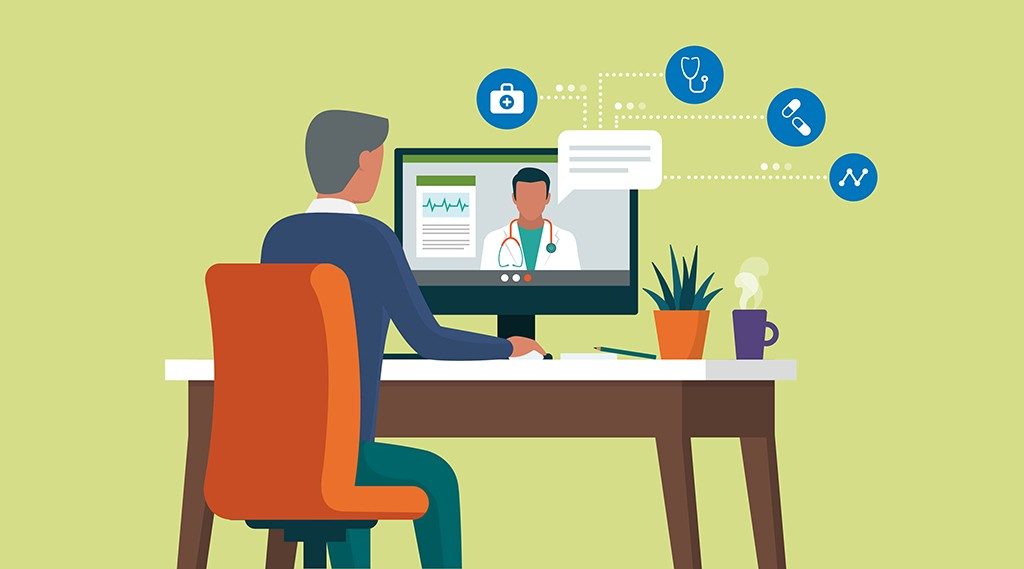
Video Visit
Video visits allow you to attend an appointment from wherever you are, eliminating the barriers of time and distance, giving you a whole new level of convenience, efficiency and independence. Video Visits are now covered by OHIP since April 01, 2020

Messaging/email
We use Medeo service which is an integrated digital health patient engagement tool available as a mobile app or web-based tool. Medeo enables patients to use their mobile devices to securely message their provider, and book appointments with their providers.

Send Info to Office
This service is only for our patients. You must have your provincial health card number ready and use your date of birth for authentications. You can send message and/or upload files. Do not use this service for asking medical advice or emergency situations.

Book appointment on line
If you have set up your Medeo account, log in to your Medeo account here to book an appointment. If you have not set up Medeo account yet, Click here for more info.
Appointment Reminder
We now use an EMR integrated 3rd party service CLINCONEX, to automatically remind our patients of their upcoming appointments. Reminder phone call, text or email is sent one week before their next appointments.
Call In Clinics
If you don’t have a family doctor you can use Ontario Virtual Care Clinic (seethedoctor.ca) to speak to a doctor today.

Online MD NOW
If you want to speak to a doctor today, you can use one of the provided links here to use one of the listed online virtual clinics. Coming soon.